
MorphPhoto

MorphPhoto logo

MorphPhoto is your ultimate AI image editor, accessible directly in your browser. Effortlessly remove unwanted objects, swap backgrounds, restore faded old photos, or transform styles with AI-driven precision. Just upload, tell it what to change, and get stunning, natural-looking results in seconds – no complex software or design skills required. Perfect for quick, high-quality photo enhancements.
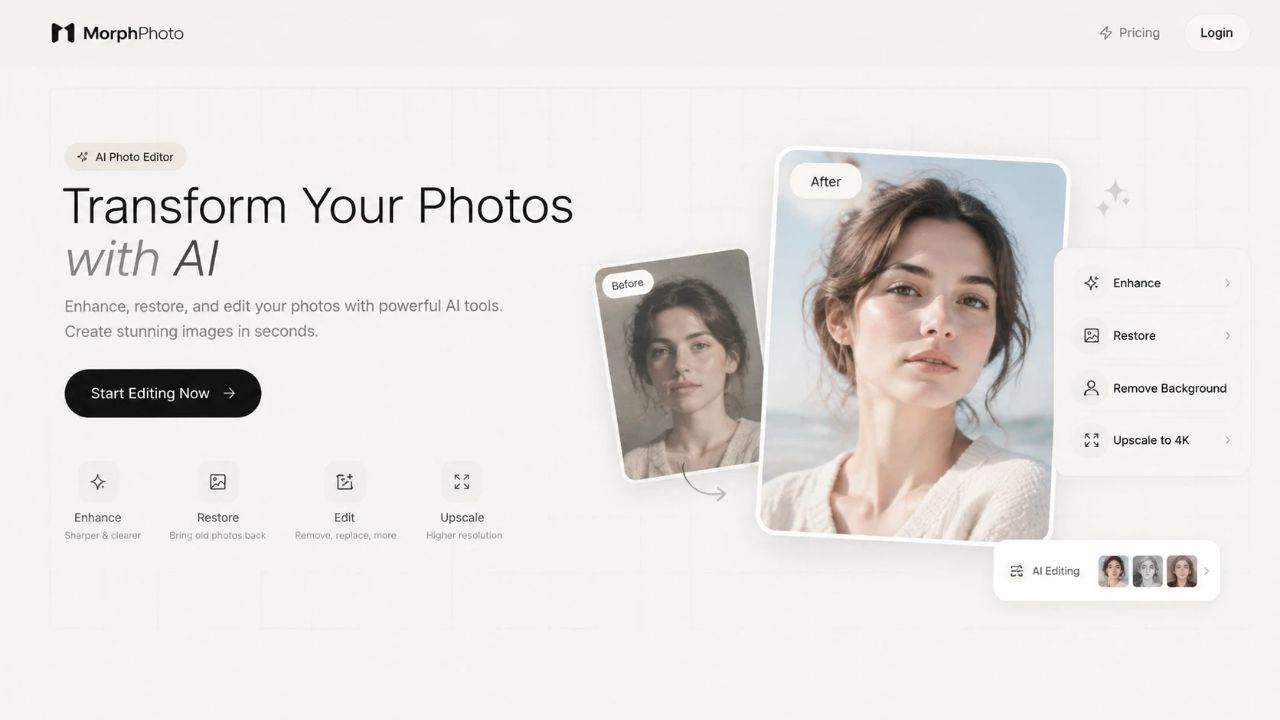
Interface & Experience

Screenshot 1

About MorphPhoto

Overview

MorphPhoto offers a powerful, free AI image editor right in your browser. Say goodbye to complex software and tedious manual edits. With MorphPhoto, you can upload any photo and leverage advanced AI to perform a wide array of transformations. From removing distracting elements to revitalizing cherished old memories, the platform simplifies professional-grade photo editing into a few intuitive steps. It's designed for speed, precision, and ease of use, delivering high-quality results in moments.

Key Features

  • Remove Objects: Seamlessly erase unwanted people, clutter, or distractions from your photos, with AI intelligently rebuilding the background.
  • Remove Background: Instantly create clean, transparent cutouts of subjects for product shots, profile pictures, or design assets.
  • Swap Backgrounds: Effortlessly place your subject into new environments, whether a professional studio, a real-world location, or a custom scene, maintaining realistic edges, shadows, and lighting.
  • Restore Old Photos: Repair scratches, recover lost details, and bring back natural colors to faded or damaged prints.
  • Restyle Photos: Transform the aesthetic of your images, turning them into illustrations, cinematic stills, or applying any desired artistic style while keeping the subject recognizable.
  • Extend Images: Expand the canvas of your photos, filling in more of the scene to fit different aspect ratios for covers, banners, or social media, without visible seams.

Pros & Cons

Pros:

  • Browser-Based & Free to Start: Edit photos directly online without downloads or installations, with free credits upon Google sign-in.
  • Intuitive Interface: Simple three-step process – upload, tell AI what to change, download.
  • High-Quality AI Results: Edits maintain natural lighting, texture, and perspective for realistic outcomes.
  • Versatile Editing Tools: Covers a broad range of common photo editing needs.
  • Privacy-Focused: Does not use user uploads for training AI models.
  • Commercial Use: Results are generally permissible for commercial applications (plan-dependent).
  • Full-Resolution Downloads: Get unscaled output from the AI model.

Cons:

  • Free downloads include a small MorphPhoto watermark.
  • Reliance on AI means occasional minor imperfections might require tweaking.
  • Requires an internet connection for operation.

Who Benefits Most?

MorphPhoto is ideal for anyone needing quick, high-quality image edits without professional software. This includes:

  • E-commerce Sellers: For product photography with clean backgrounds and consistent styling.
  • Social Media Managers & Content Creators: To quickly prepare visually engaging posts and banners.
  • Photographers (Amateur & Professional): For rapid touch-ups, object removal, or creative experimentation.
  • Family Archivists: To restore and preserve precious old photographs.
  • Travel Bloggers: For removing unwanted elements from scenic shots.
  • Graphic Designers: To generate quick cutouts or background variations.

Use Cases

  • Creating striking product images for online stores with clean, white, or themed backgrounds.
  • Removing photobombers or distracting elements from vacation pictures.
  • Reviving faded, scratched, or torn family heirlooms into vibrant digital keepsakes.
  • Transforming a standard photo into a unique artistic piece for social media.
  • Extending a tightly cropped photo to fit a website banner or Instagram story.
    Generic
    AI photo editor
    online image editor
    remove background
    remove object
    photo restoration
    photo restyling
    image extension
    background replacement
    AI tools
    photo enhancement
    creative editing
    web-based editor
    product photography
    social media images
    old photo repair
    See the best MorphPhoto alternatives →

    Rate this Tool

    User Reviews

    0 total

    No reviews yet. Be the first to share your experience!